How to back up a standalone appliance #
A standalone appliance keeps its inputs and outputs on the appliance itself. You can export them to a file, or restore them from a snapshot on the appliance.
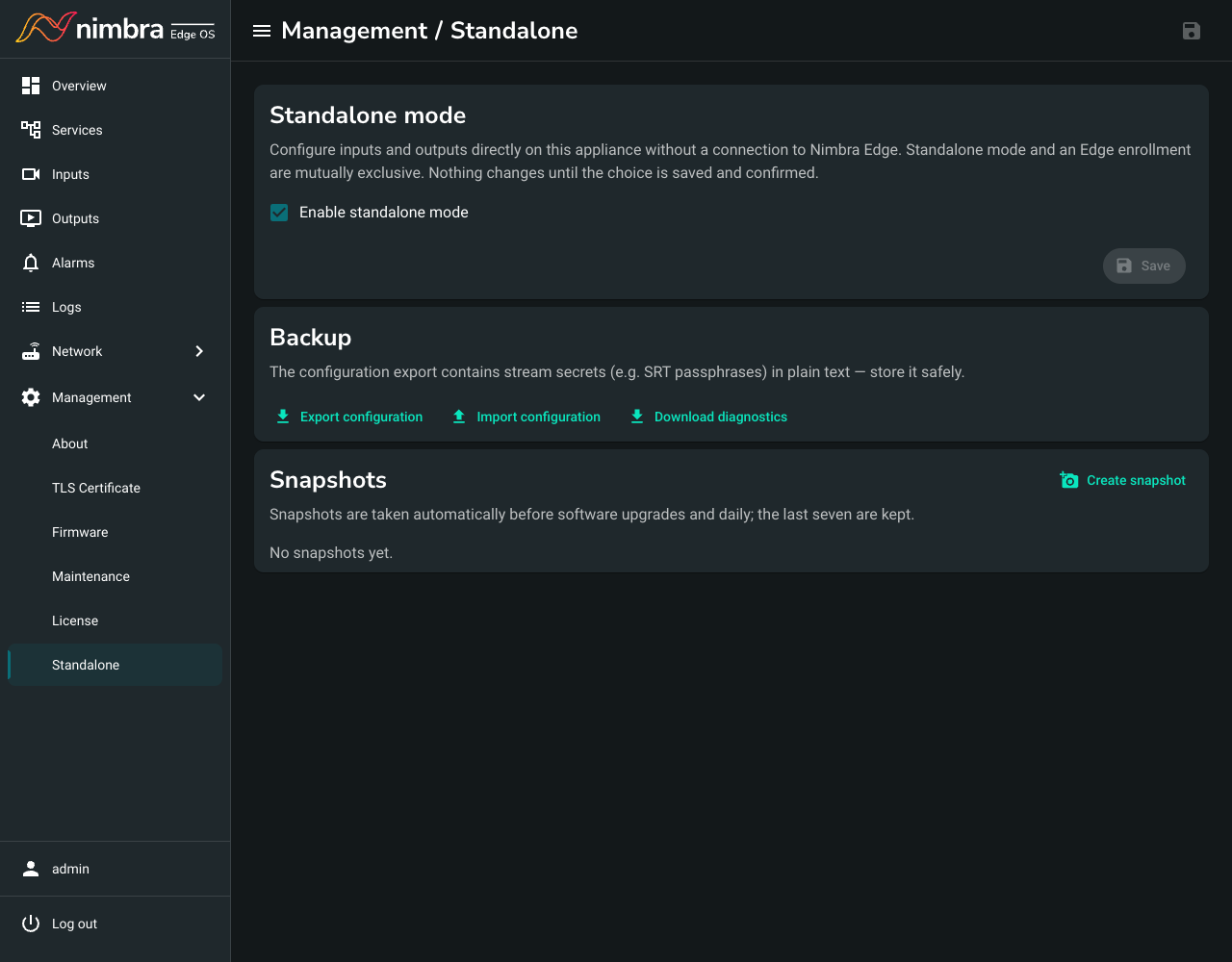
Open the appliance’s web interface, sign in as an administrator, and go to Management > Standalone.
Export the configuration to a file #
Select Export configuration. The file contains stream passwords, such as SRT passphrases, so store it safely.
To load the file again, select Import configuration, choose the file, and select Import and replace. This replaces all inputs and outputs on the appliance.
Use snapshots #
The appliance saves a snapshot every day and before each software upgrade, and keeps the last seven.
- To save a snapshot now, select Create snapshot.
- To restore a snapshot, select Restore next to it, and then select Restore again to confirm. This replaces the current inputs and outputs.