3. Creating a region #
Deprecated. The Docker-based Nimbra Edge Core (
connectit install core) is deprecated as of R4.2.0 and will be removed in a later release. It remains supported in R4.2 so that existing installations can be migrated. These pages are kept for existing installations; new installations should follow Get started. To move an existing installation, see Migrate from Docker-based Nimbra Edge.
Regions help you organize your Nimbra Edge deployment geographically or logically - for example, by data center or broadcast location. All appliances need to belong to a region. Edge appliances, for example Edge Connect or Nimbra 400, can also be assigned a secondary region for redundancy scenarios.
To create a region:
- Click
Create newin the sidebar and selectRegion - Enter a name and click
Save
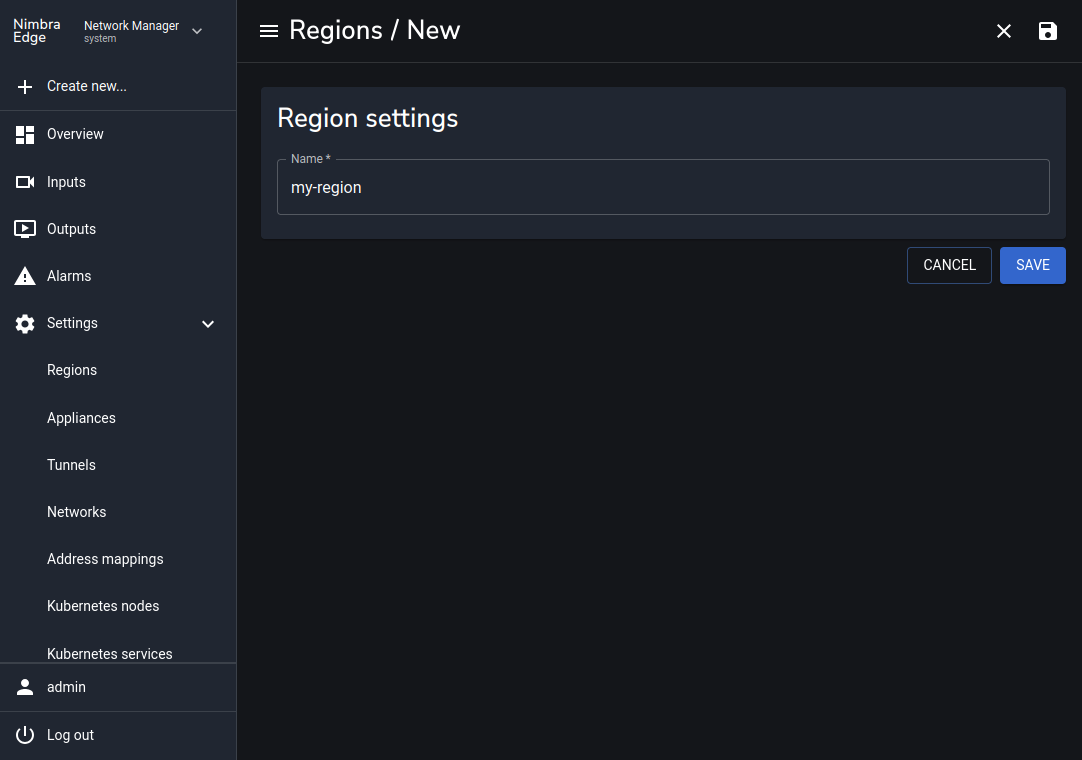
The first region created will be the default region that new appliances are assigned to if no other region is specified. You can change the default region from theRegionspage underSettings, and it is also possible to change an appliance’s region later from its settings.
In the next section we will join a video appliance to the created region.